November 18, 2026
How We Shoot Our Screenshots
Every image in these devlogs comes from a rig that plays the game and takes the photo itself. Why the editor's own capture lies, and how a request file turned into a marketing camera.
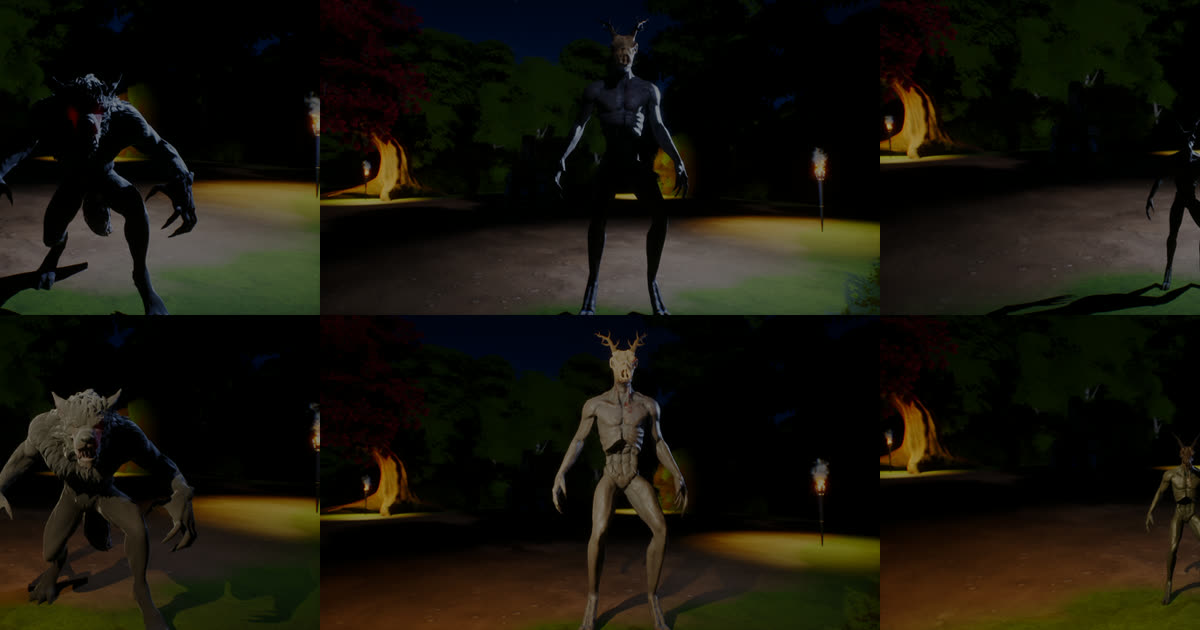
A small studio has to be careful about where its hours go, and taking screenshots by hand is a surprisingly expensive habit: load the map, find the spot, spawn the creature, pose it, hide the interface, wait for the light, press the key, repeat for every tool and every creature every time something changes. This post is about the tools we built instead, because every image in these devlogs, and everything you have seen on this site since the summer, came out of them.
The editor's camera lies
The first thing we learned is that the editor's built-in viewport capture is the wrong tool. It renders the editor's version of the world: selection outlines, sprites over every light, spline visualisers, the axis gizmo in the corner, and the viewport's own aspect ratio rather than the game's. Even while the game is running, it captures the editor world, not the one you are playing. We chased more than one ghost that turned out to be an editor sprite.
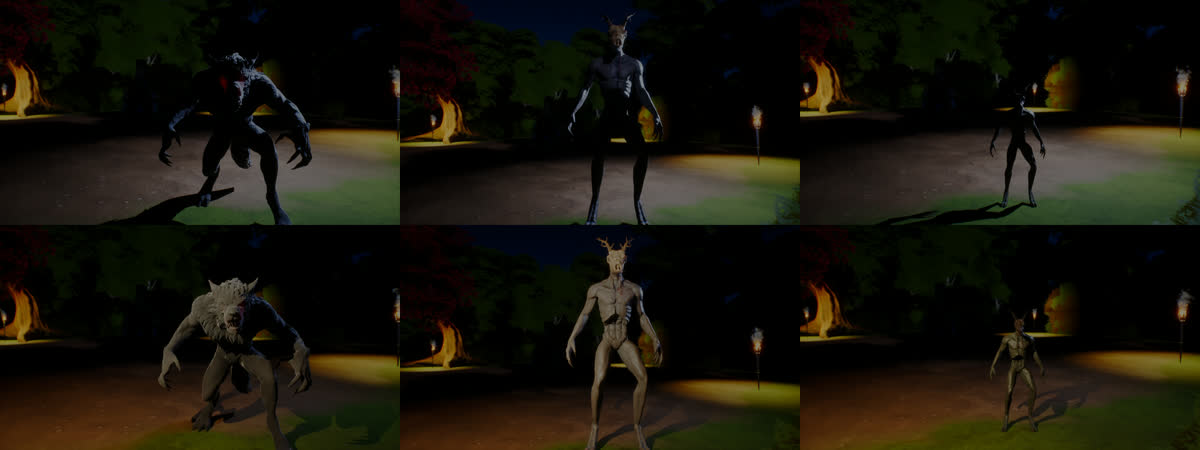
So the rig takes its photos from inside a real play session. It runs as part of the game, waits three seconds after the map loads, removes every interface widget, and asks the game's own viewport for a full-resolution capture, always at 1920 by 1080 whatever size the window is. What you get is true game view, and it is the same on every run.
A request file
The rig is driven by a text file. Write a mode and a list of lines into it, press play, and the rig reads the file, does the work, and deletes the file when it is done so the next play session is normal.
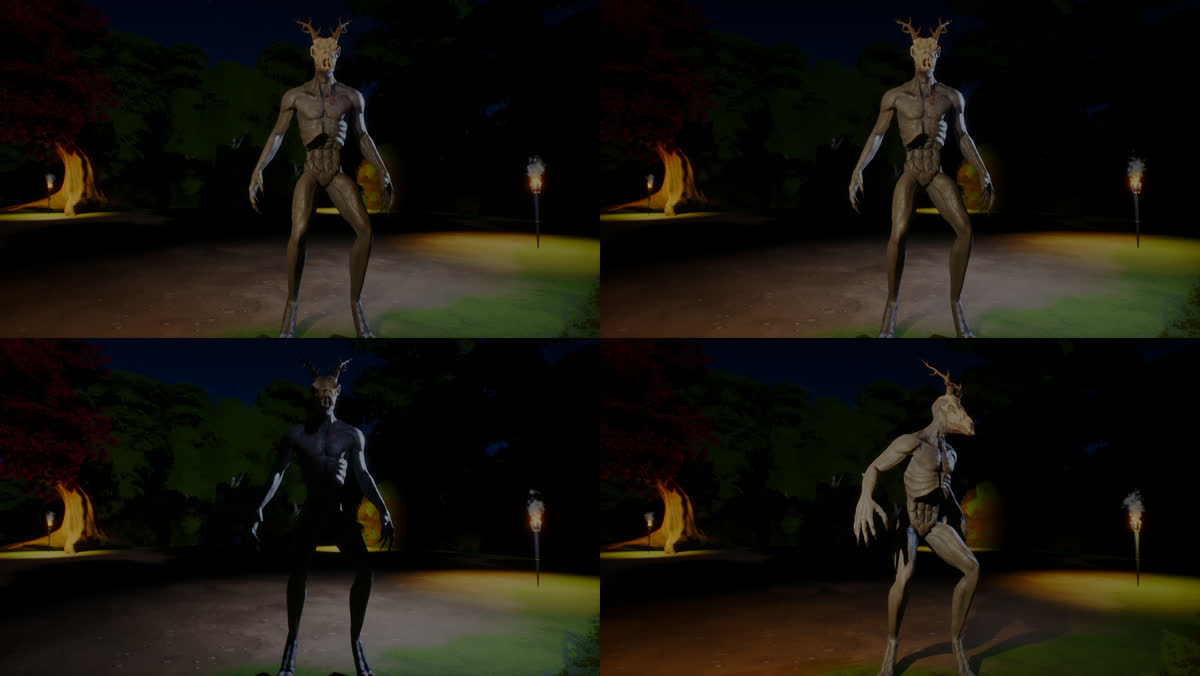
The monster mode takes a creature, a position to stand it, a camera, and a pair of photo lights: a warm key on the camera side and a cool rim behind, in candela, with an exposure bias, so a night shot can be lit like a portrait without touching the level. The four hero portraits in the site's roster came from a handful of lines like that. A tools mode equips each investigation tool at each tier, raises it, and shoots it from the hunter's eyes and from a companion camera in front, which is how we caught the pistol sitting through the palm. An evidence mode spawns every track of one kind on the map, highlights them, and photographs each from off the surface. A hunt mode starts a real hunt and photographs it at fixed times while narrating what the AI thinks. And a pitch setting bends the view for the first-person work we wrote about in October.
The interface has its own rig. A request lists the screens to capture, the game populates them with a stash, some gold, a few buildings and recruits, and each screen is photographed in turn. Most of the layout bugs in the theme pass were found in those contact sheets before anyone clicked through a menu.
Moving pictures
The same idea, scripted actors with their own cameras and a fixed time step, produced every piece of footage we have. A trailer flyover of the town in each of its three moods, in which the houses pop in from the centre outward as the camera passes. A fly-through of the hunt map from camp to creature. An evidence showcase that walks the hunter to a print, raises the Looking Glass, fires the howl and runs an alchemy test, all through the real gameplay code so it cannot show something the game does not do. Each writes a numbered image sequence at a locked frame rate and a script turns it into a video afterwards.
None of it is glamorous. But it means a change to the fog, or the glow on a track, or a tool's grip can be checked in minutes against the same shots as last week, and it means we can show you the game as it is rather than as it was the last time someone had an afternoon free.
What's next
The rigs are dev-only and will never ship, but the photo mode they grew from might. And the backend half of the same system, a test that plays through the loot loop, the villager rolls, the crafting bias, the revive and the crossbow reload, now runs three hundred checks after every change, which is the other reason these posts can say "verified" as often as they do.